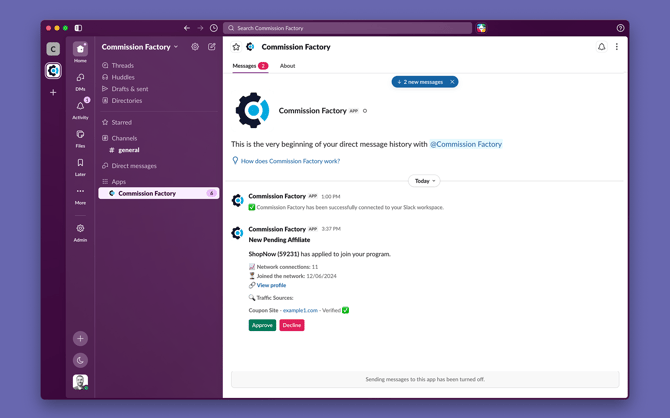
How to set up Slack notifications.
-
Log in to your Commission Factory account
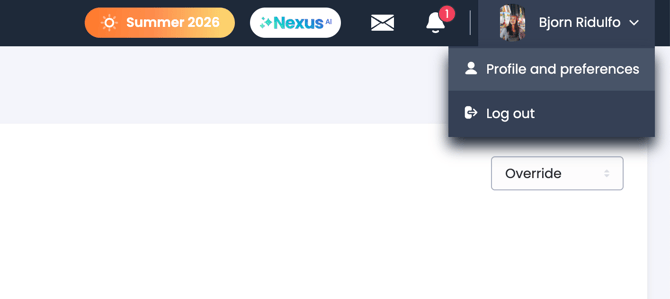
- Navigate to your profile and preferences
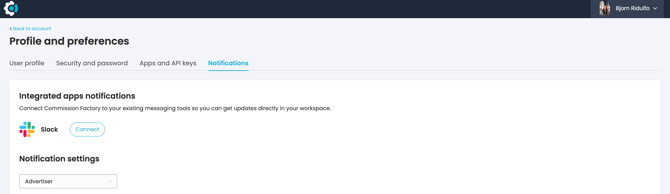
- Navigate to the notifications page and click connect
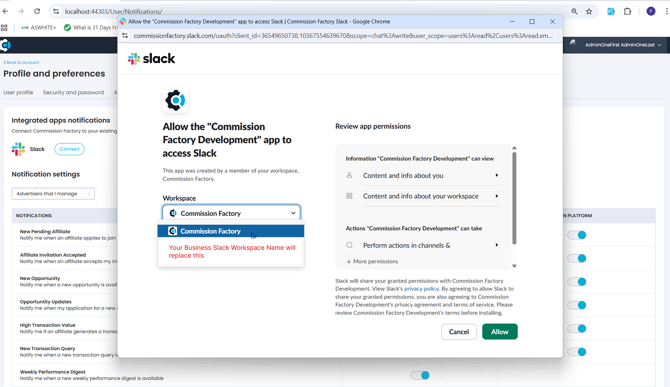
- Submit the request for Commission Factory to access your Slack workspace
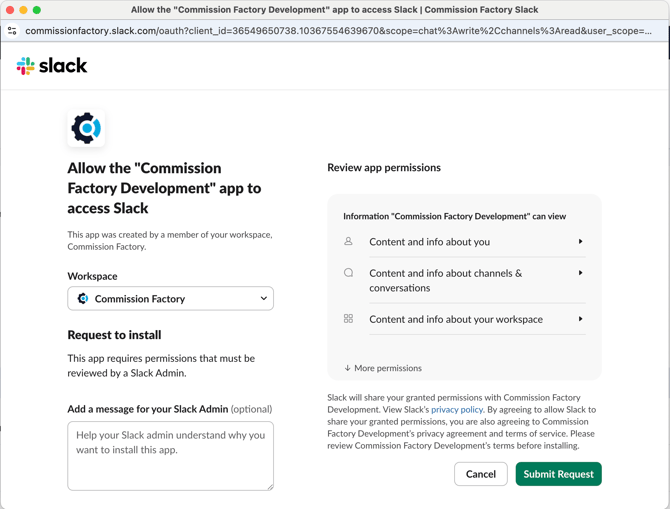
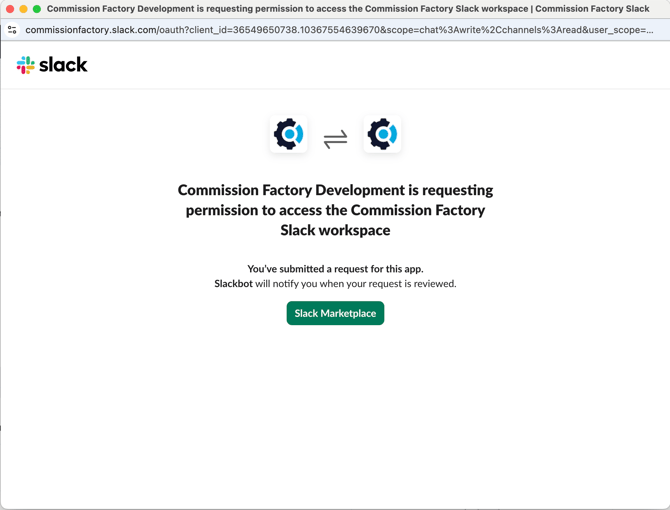
If your Slack workspace is set to Private, skip to Step 6. Otherwise, if your Slack workspace is set to Enterprise, your administrator will need to approve the request.
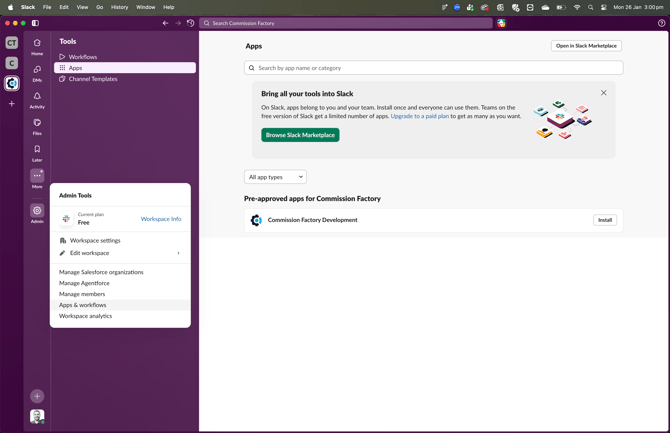
- Within the Slack App your Slack Administrator must approve the request by clicking on Apps & Workflows
Under "Requests", there should be a new request listed, click approve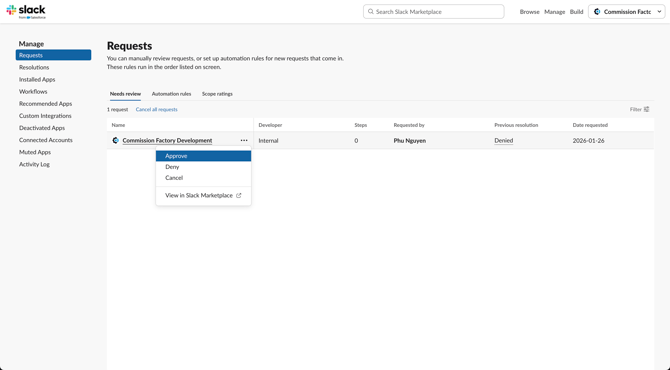
- You should now see a new message from Slackbot verifying your request has been approved
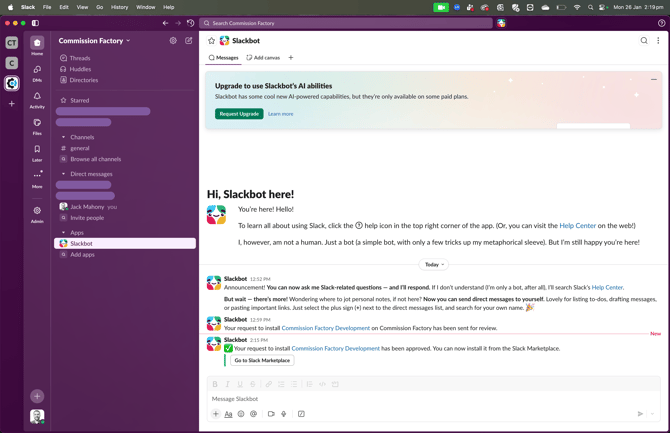
- Navigate back to your notification settings and click connect
-png.png?width=670&height=349&name=image%20(4)-png.png)
- Select your Slack workspace
- Your App should now be connected
-png.png?width=670&height=382&name=image%20(7)-png.png)
Once you have installed Slack, you will start receiving all the notifications that you have enabled, which includes actions like new pending affiliate applications.